
Can I change my billing address after placing an order?Updated 4 days ago
TL;DR: Yes, kind of. The billing address on the order itself is locked once submitted, but you can update tax invoice details (business name, ABN, billing address for accounting) directly on your order status page. If you need to change the actual order, cancel within 60 minutes and reorder with the correct details.
How do I update my tax invoice details?
For business orders, expense claims, or GST records, you can edit tax invoice details directly on your order status page. Update business name, ABN, billing address, all the fields that appear on the tax invoice itself.
How to do it
Open your order confirmation email and click View order, or use the order status link.
Look for the option to edit invoice or billing details and update the fields you need (business name, ABN, address).
Save and download the updated tax invoice. The original order stays untouched, only the invoice reflects your changes.
Can't see the edit option? Contact our team and we can issue a tax invoice with the correct details.
What if I need to change the order itself, not just the invoice?
If you need the order itself to reflect different details (not just the tax invoice), cancel within 60 minutes and reorder. The order status flow on the Help Centre handles cancellation requests directly.
After 60 minutes, the order is locked into fulfilment. For most customers, editing the tax invoice on the order status page (above) is the better path, the invoice is what matters for accounting, the order record itself is internal data.
Why isn't the order's billing address itself editable?
The order record itself is locked at checkout for security and record integrity. The tax invoice is a separate, customer-editable document, which is what you actually need for accounting, expense claims, and GST records. The split protects against unauthorised changes to the financial record while still giving you the invoice with the right business details.
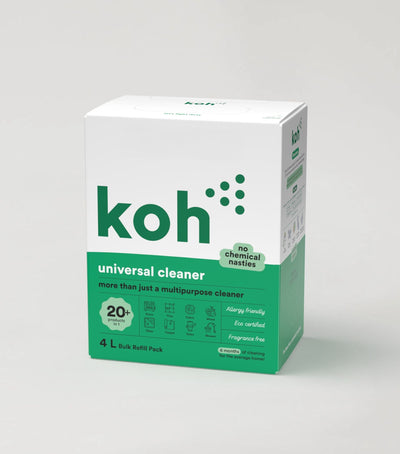
Most-certified product in the Koh range. Tax invoice editable on the order status page after checkout.

60-minute window for cancellation. Address edits via account login. The full breakdown of what's editable post-order.

Koh Perks · earn points on every order
Earn points on every purchase, refer a friend, and redeem for discounts on future orders.
Last reviewed: July 2026