
Can I merge points or update the email on my Koh Perks account?Updated 11 days ago
TL;DR: No, we can't merge points across accounts or change the email tied to your Koh Perks account. Both are security limits. Moving to a new email means starting fresh on a new account.
Can I merge points or update the email on my Koh Perks account?
⚠ Email changes aren't supported
The email on your Koh Perks account is the identity tied to your balance. We can't rewrite it because doing so creates security risk for account takeover and reward fraud.
⚠ Points can't be merged across accounts
For the same reason, we can't merge balances between two accounts even if they belong to the same person. Each Koh Perks account stands on its own.
I'm changing my email, what should I do?
Spend down your existing balance first
Place a final order under your old email and redeem any available rewards. That way you don't leave points stranded.
Sign up fresh on your new email
Create a new Koh account on the new email, then join Koh Perks. You'll start from zero but earn normally going forward.
Old account stays as-is
The old account keeps its remaining points subject to the 12-month inactivity expiry. If you'd prefer to delete it, use the self-service delete link in your account settings.
Why can't Koh just update the email?
The email on your account is the verified identity that controls access to your points balance and order history. If we updated emails on request, an attacker who phoned or emailed pretending to be you could redirect your points to an email they control. The rule is the same logic banks apply, no remote email changes on accounts that hold value.

Koh Perks · earn points on every order
Earn points on every purchase, refer a friend, and redeem for discounts on your next order. Find all the ways to save in one place.
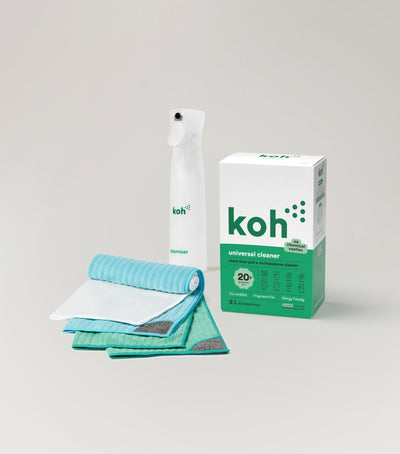
New at Koh? Start with the Universal Cleaner Starter Kit
Pairs Universal Cleaner with Atomiser Spray Bottle and everything you need to get going.
Last reviewed: July 2026