
How to clean TV, monitor & laptop screenUpdated 6 hours ago
TL;DR: Do not use Universal Cleaner on any TV, monitor or laptop screen. For the display, use a dry Glass Cloth only. You can clean the bezel and stand with Universal Cleaner by spraying onto the cloth (not the device) and avoiding ports.
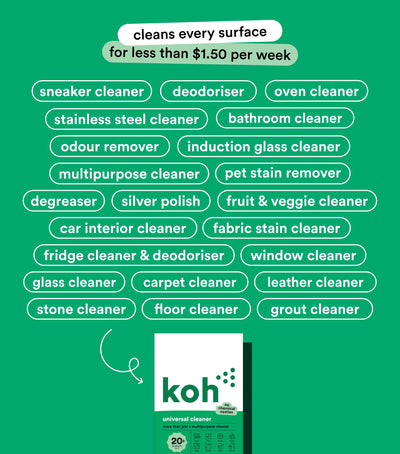

Why not on screens?
Do not use on displays
Modern displays have delicate anti-glare and oleophobic coatings. Universal Cleaner is an alkaline cleaner designed for hard, non-coated household surfaces. It can be too strong for screen coatings.
Safe for bezels, stands and cases
Spray Universal Cleaner onto a Universal Cloth, not the device. Wipe plastic and metal parts, keeping moisture away from seams, vents and ports. Spot test first.
How to clean your screen safely
Step 1: Dry wipe
Use a clean, dry Glass Cloth in straight lines from top to bottom. This lifts dust without scratching.
Step 2: Stubborn smudges
If your manufacturer allows, lightly mist distilled water onto the cloth (never directly on the screen). Wipe gently, then immediately buff dry with a second dry cloth.
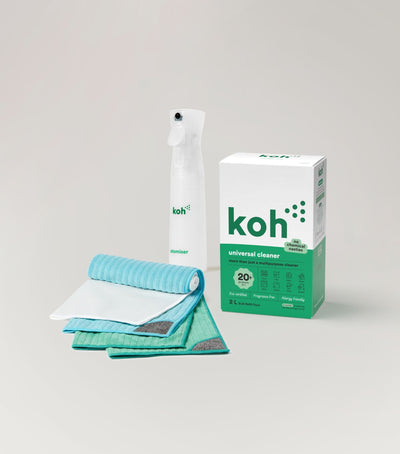
New at Koh?
This is the OG. Universal Cleaner Starter Kit has everything you need to get started in one box.
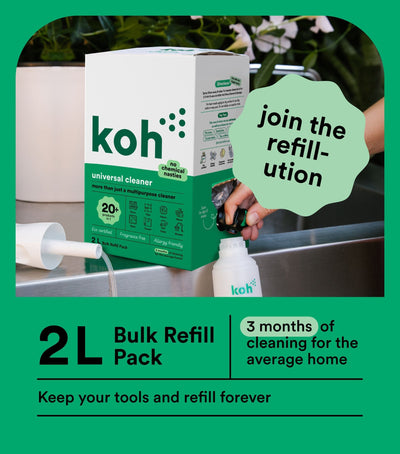
Subscribe & Save on Universal Cleaner 2L
Never run out. Choose your delivery frequency and save on every order.
Browse all Universal Cleaner articles

Chat with ROS-E
Our GenAI Experience Agent is available 24/7 for instant answers.
Humans are still here. We'll respond if asked or when ROS-E can't help, usually within 1 to 2 business days.