Where do I find Koh Perks in my account?Updated 10 days ago
TL;DR: Once you're signed in, Koh Perks appears in the top navigation on desktop (next to Orders and Shop), or in the hamburger menu on mobile (the three lines, top left). Tap or click to open your dashboard.
Where do I find Koh Perks in my account?
On desktop
Once you're signed in, Koh Perks shows in the top navigation, right next to Orders and Shop. Click to open your dashboard.
On mobile
Tap the three lines in the top-left corner (the hamburger menu) to open the side menu. Koh Perks sits underneath Orders. Tap it to open your dashboard.
Why don't I see Koh Perks in the menu?
⚠ Not signed in yet?
The Koh Perks link only shows once you're signed in to your Koh account. Sign in at koh.com and it'll appear.
⚠ Haven't joined Koh Perks?
Having a Koh account doesn't automatically join you to the loyalty program. Head to the Koh Perks page and click Join & Agree to enrol.
I've signed in and joined, but I still can't find it
A couple of quick fixes:
- Sign out and back in, the menu sometimes needs to refresh
- Clear your browser cache, particularly if you joined recently on a different device
- Try the direct link to your account at go.koh.com/manage-account
If you've tried that and it's still missing, send us a screenshot of what you can see in your menu, screenshots make troubleshooting much faster than descriptions.

Koh Perks · earn points on every order
Earn points on every purchase, refer a friend, and redeem for discounts on your next order. Find all the ways to save in one place.
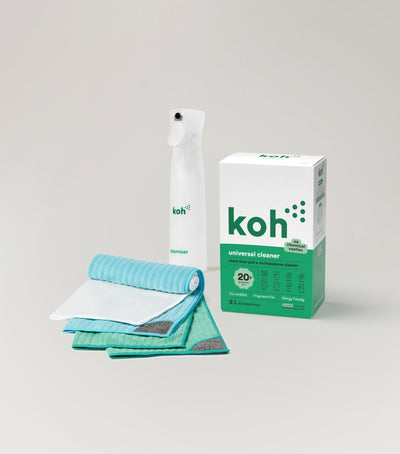
New at Koh? Start with the Universal Cleaner Starter Kit
Pairs Universal Cleaner with Atomiser Spray Bottle and everything you need to get going.
Last reviewed: May 2026