
How do I move up a Koh Perks tier?Updated 11 days ago
TL;DR: Koh Perks tiers are based on how much you've spent at Koh over the past 12 months. Cross a spend threshold and you auto-promote to the next tier. No forms, no claims, no waiting period.
How do I move up a Koh Perks tier?
✓ Spend over the past 12 months
Your tier is calculated from a rolling 12-month window of spend at Koh, not lifetime total. So your tier reflects how active you've been recently, not how long you've been a customer.
✓ Auto-promotion when you cross a threshold
As soon as your 12-month spend crosses the next tier threshold, your account auto-promotes. No claim form, no waiting, the higher tier applies to your next order.
Where can I see my current tier and progress?
Your current tier, spend to date, and progress toward the next tier all show in your Koh Perks dashboard. Tier thresholds and benefits at each level are listed there too. See where to find Koh Perks in your account.
What happens if my spend drops below the threshold?
⚠ Tier can move down too
Because tiers are based on a rolling 12-month spend window, your tier reflects recent activity. If your 12-month spend drops below a tier threshold (orders age out of the window or you slow down for a while), your tier adjusts downward.
✓ Re-cross the threshold and you're back
New orders push your 12-month spend back up. Cross the threshold again and you tier back up automatically. Cancelled or refunded orders don't count toward tier spend.

Koh Perks · earn points on every order
Earn points on every purchase, refer a friend, and redeem for discounts on your next order. Find all the ways to save in one place.
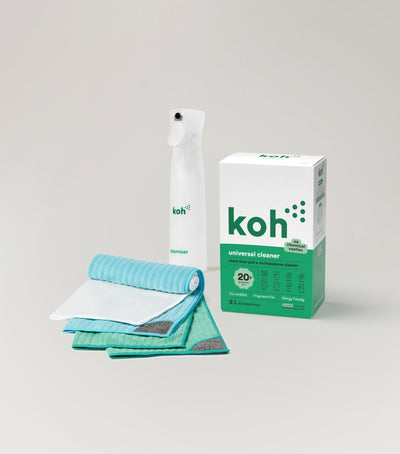
New at Koh? Start with the Universal Cleaner Starter Kit
Pairs Universal Cleaner with Atomiser Spray Bottle and everything you need to get going.
Last reviewed: July 2026