
Why am I not receiving my SMS login code?Updated 10 days ago
TL;DR: If your SMS login code isn't arriving, your phone number probably isn't linked to your Koh account yet. Sign in with your email instead, then add your mobile number in your account settings. SMS codes will work from then on.
Why am I not receiving my SMS login code?
Sign in with email instead
On the sign-in screen, choose Send code via Email instead of SMS. Check your inbox (and spam) for the one-time code.
Add your mobile number to your account
Once signed in, head to your account settings via go.koh.com/manage-account and enter your mobile number in contact details.
SMS works from next sign-in
Once your number is linked, you can choose SMS at sign-in and codes will arrive by text. Faster than email, no spam folder to check.
What if my email code isn't arriving either?
If your email code isn't arriving either, check the following:
- Spam or promotions folder, codes occasionally land there on first sign-in
- Right email? The code only goes to the email that's on your account, not a different one
- Wait a couple of minutes, brief delivery delays are normal
- Request a new code from the sign-in screen if needed
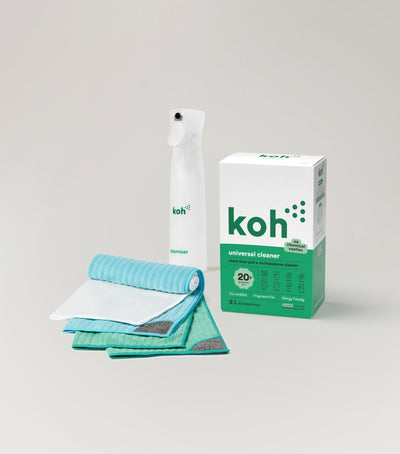
New at Koh? Start with the Universal Cleaner Starter Kit
Pairs Universal Cleaner with Atomiser Spray Bottle and everything you need to get going.

Koh Perks · earn points on every order
Earn points on every purchase, refer a friend, and redeem for discounts on your next order. Find all the ways to save in one place.
Last reviewed: June 2026