
How do I sign up for Subscribe & Save?Updated 4 days ago
TL;DR: Open an eligible product page, switch the purchase option from one-time to Subscribe & Save, choose your frequency, then add to cart and check out as normal. Want to skip straight to it? Pick a product and frequency in the matrix below and we'll add the subscription to your cart.
How do I sign up for Subscribe & Save?
Open the product page
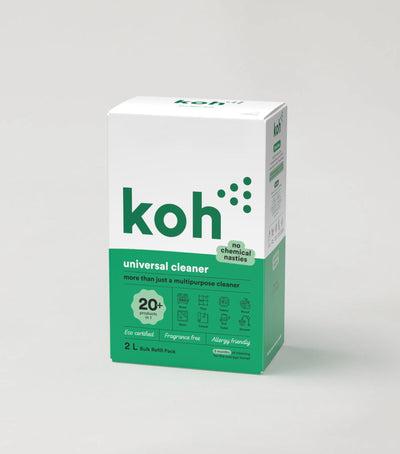
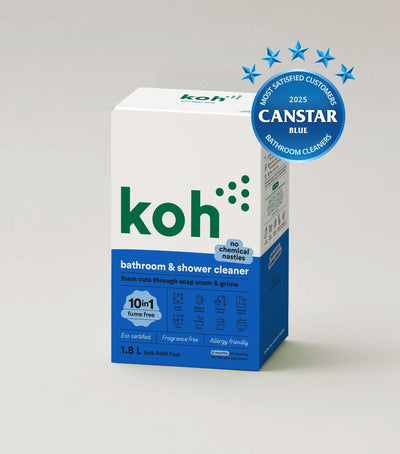
Head to the product you want on a recurring delivery, like Universal Cleaner or Bathroom & Shower Cleaner. Eligible products show a Subscribe & Save option above the Add to cart button.
Pick Subscribe & Save and set your frequency
Switch from one-time purchase to Subscribe & Save, then choose how often you want a delivery (typically every 1, 2, 3, or 4 months). Frequency can be changed later in your subscription portal.
Add to cart and check out
Complete checkout the same way as a one-off order. Your card is charged when each recurring order ships, not at signup. You'll get a confirmation email with links to your subscription portal.
Can I subscribe directly from the help centre?
Pick your product, click your preferred frequency, and we'll add the subscription to your cart. The four frequencies are the standard Subscribe & Save options across the range.
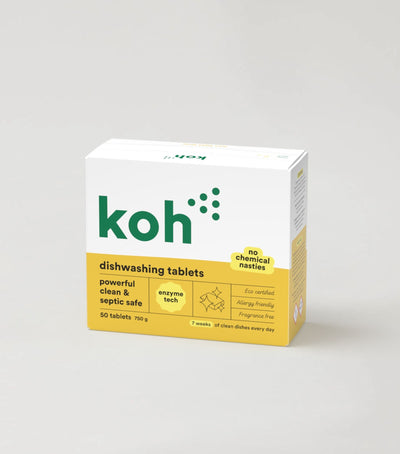
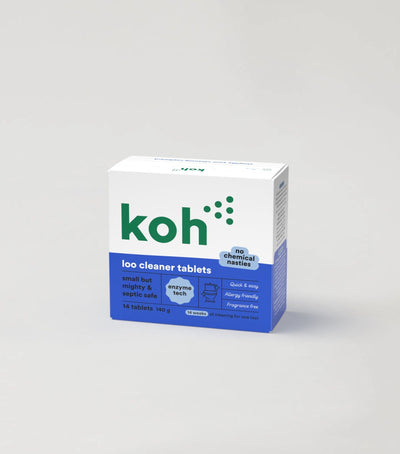
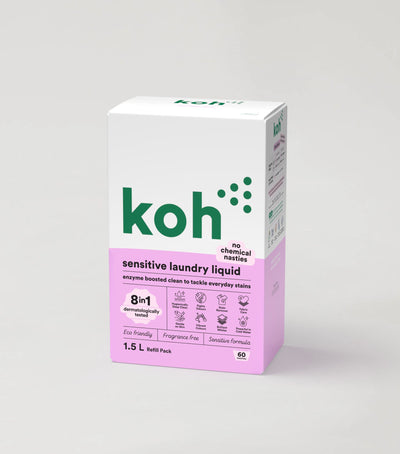
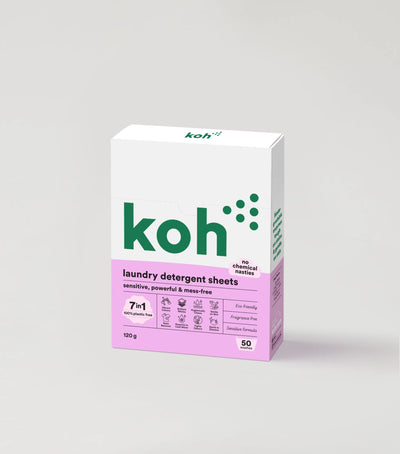
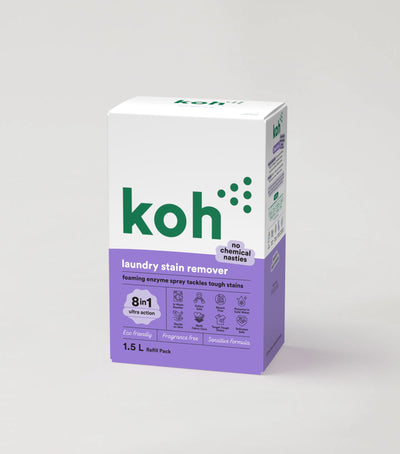
Not on subscription: Hardware items like Spray Mop, brushes, cloths, and Starter Kits are one-off purchases. The Subscribe & Save option only appears on product pages where it's offered.
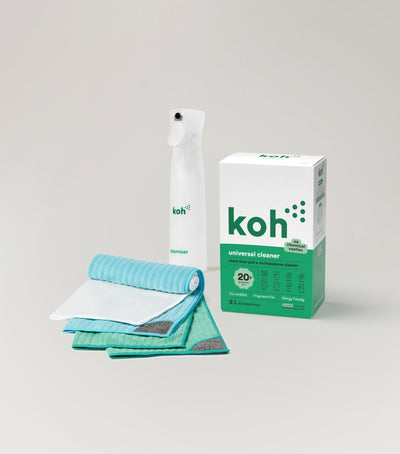
New at Koh? Start with the Universal Cleaner Starter Kit
Pairs Universal Cleaner with Atomiser Spray Bottle and everything you need to get going. Subscribe to the refills once you know you love it.

Koh Perks · earn points on every order
Stack savings on top. Subscribers still earn Koh Perks points on every recurring order, plus referral and birthday bonuses, redeemable for discounts on future orders.
Browse all Subscribe & Save articles →
Last reviewed: July 2026